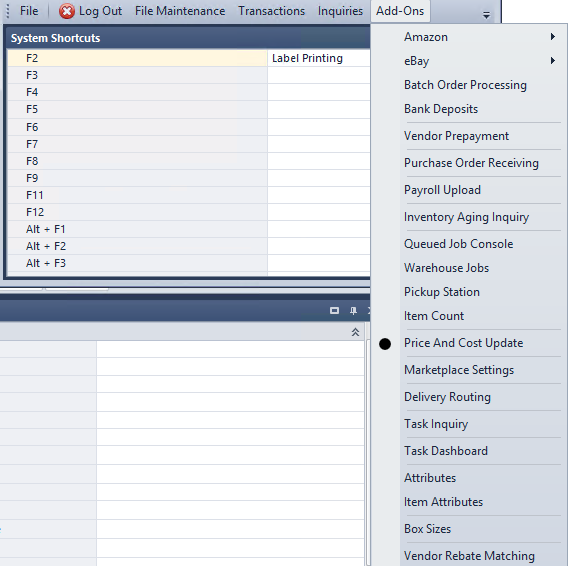
The file can be an excel file in the following formats: XLS, XLSX, CSV.
Required Fields:
AND at least one of the following:
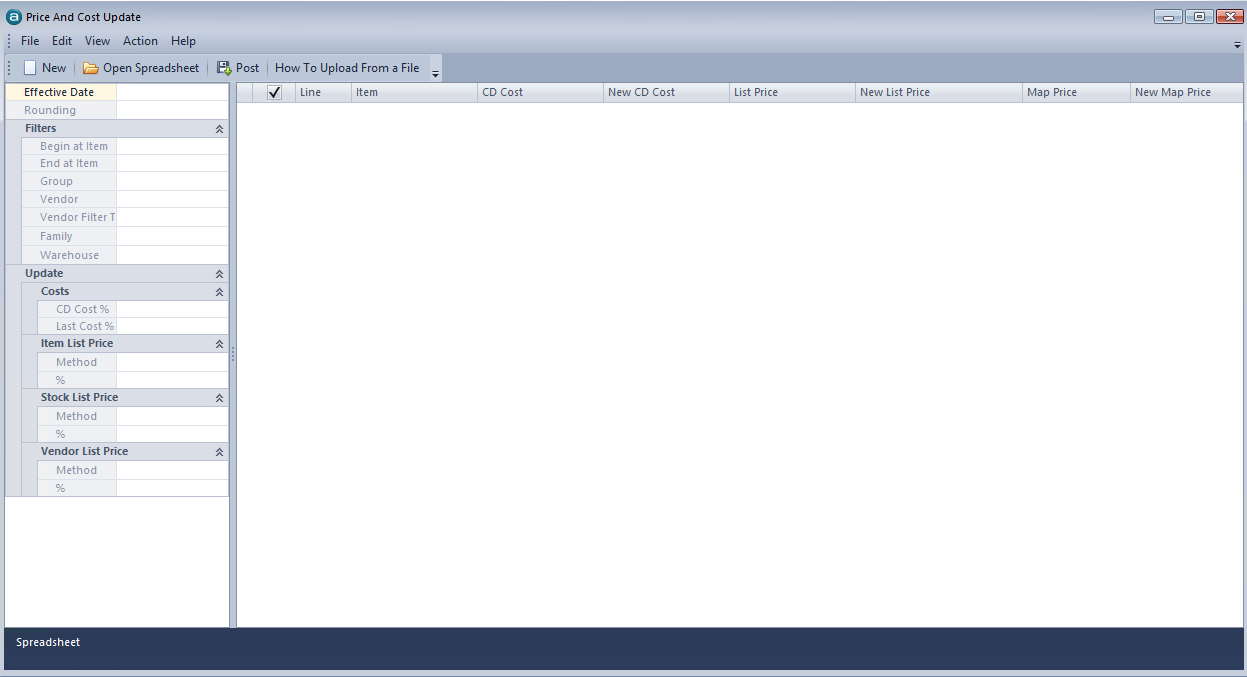
To start a New Upload have your file ready, Click
, in our exsmaple we will upload Vendor Item Prices, for this upload type you will need fill in the Vendor Name
In addition you can Filter between Item Sold By Vendor OR Vendor is Default for Item
after making your filter selection Click
and choose the Upload File (in our example the file name is SampleVendorListPriceUpload.xlsx)
and Click Open, the system will knowledge a "Please wait" message with a count of item that are being uploaded