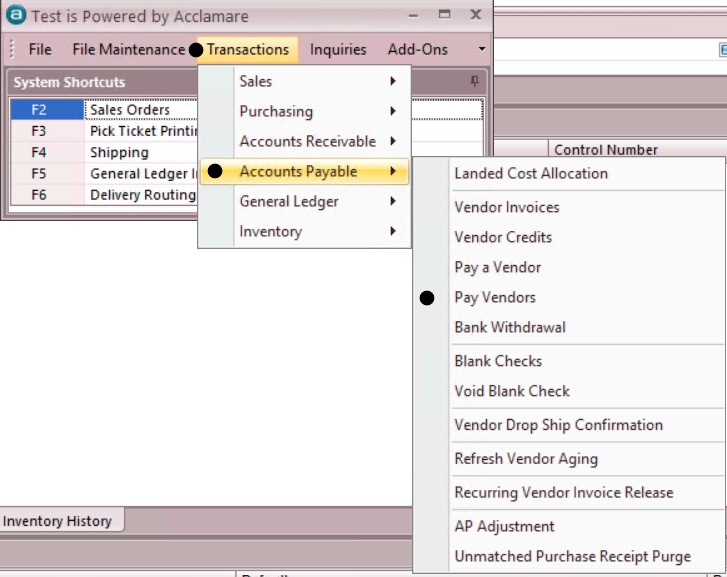
Transactions > Accounts Payable > PAY VENDORS
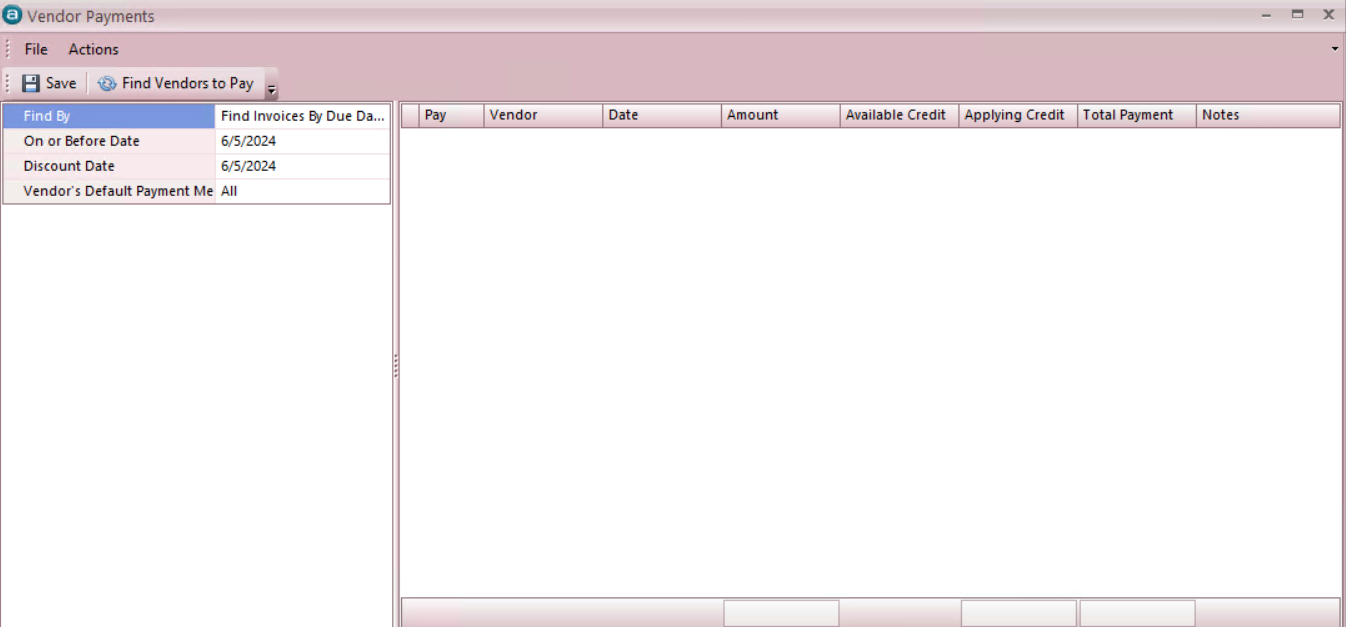
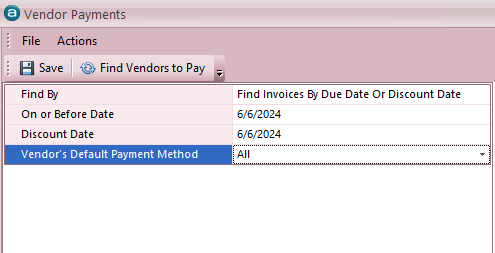
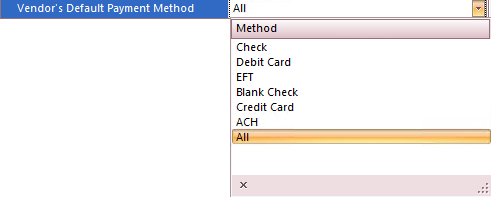
- Look into the filters Available to you to minimize results and to focus on specific dates and Payment Methods.
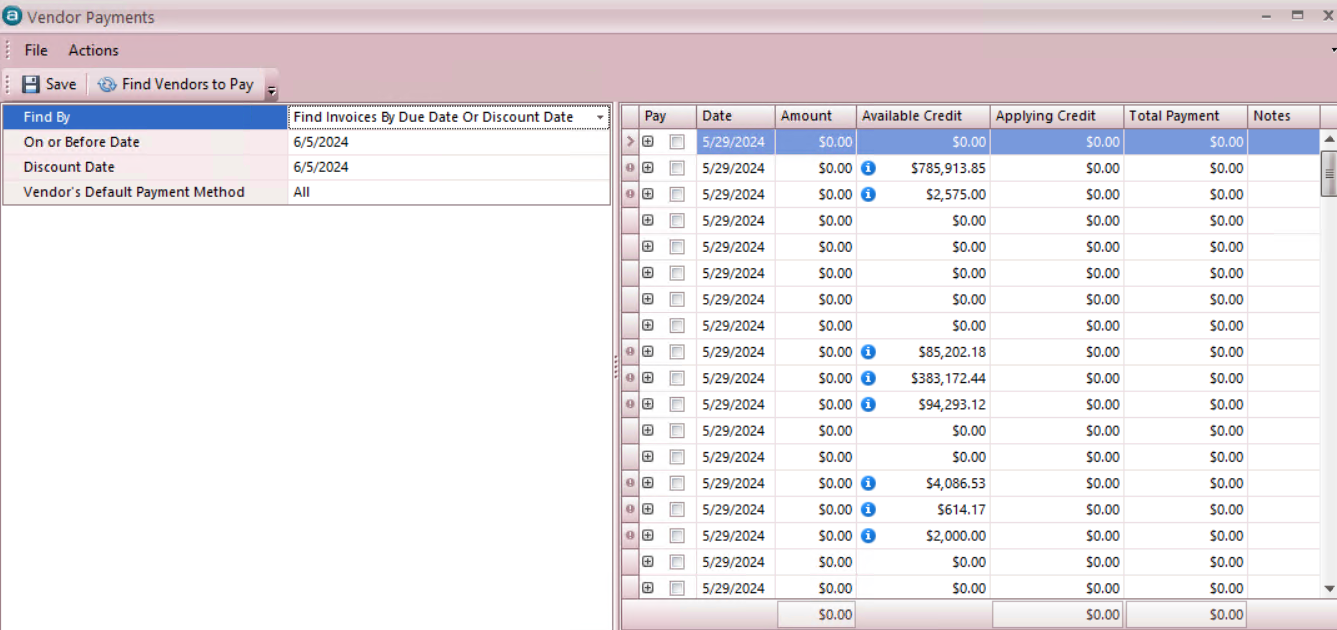
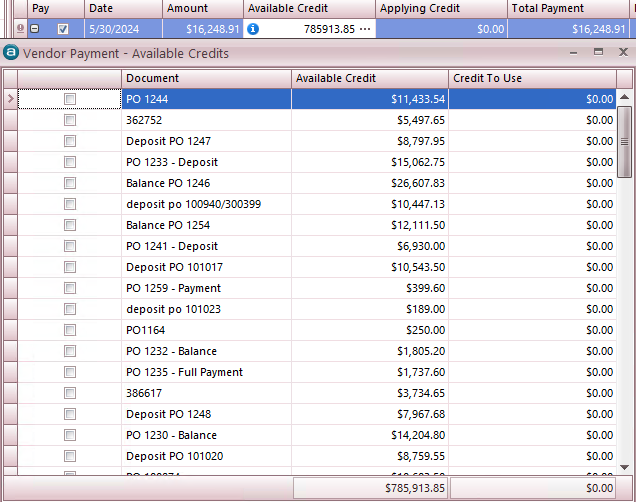
- After your selections of Invoices, Credits ( If credits are selected by clicking the icon, after your selection/s click icon to exit the screen ) by clicking the icon have been completed SAVE and close the Vendor Payments window.
Transactions > Accounts Payable > BANK WITHDRAWALS
- Click on the icon for New Transaction, which will display the selected items available for payment.
- Check against the selected invoices are generated from the Bank Withdrawal Transaction window.
- Select the Bank from the drop down menu in the left panel.
- Edit the payment date or leave as the default for same day.
- Enter any notes necessary
- Check or uncheck the box to select or deselect vendors for whom you are ready to generate Payment.
- Select the TYPE of payment you would like to generate:


