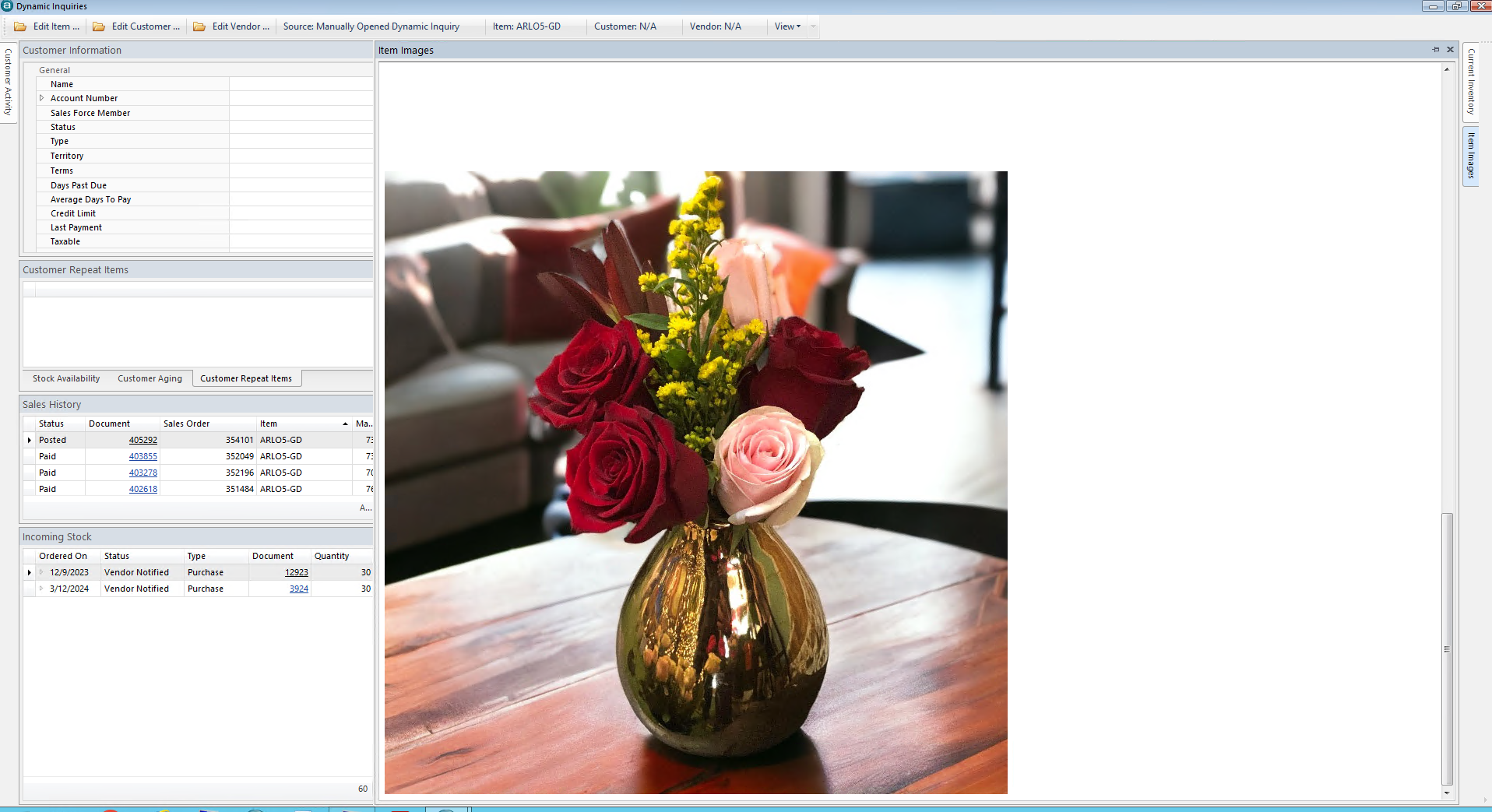
Acclamare’s Item Images feature provides a means to store and view images related to an item.
The images are accessible to the user from anywhere within Acclamare, through the use of Dynamic Inquiries. As user navigates throughout Acclamare, Dynamic Inquires refresh the displayed data views to be applicable to the Customer, Vendor, and Item currently being accessed by the user.
Item Images is one of the included views within Dynamic Inquiries. Item Images is very flexible to accommodate a variety of scenarios. An item may display one or more images, and supports JPG, BMP, and TIFF file formats.
A single image file can be stored once and used across multiple items, thus saving storage space and simplifying future update maintenance.
Acclamare offers two distinct options for storing images:
Option 1
The value assigned would be the filename of the image or a folder name.
When referencing a filename, use only the name portion, excluding the extension.
For example, image filename “RedPencil.jpg” would be referenced as ”RedPencil” in the Alternate Number field.
If an item is to have only image, you would use ‘filename’ approach. In this scenario, you are pointing an item to a single specific item image. The Alternate Number value would be the exact filename for the single image.
ONE
If an item is to have MULTIPLE images associated, you would use ‘folder name’ approach. In this scenario you are pointing an item to a folder that is named the same as the assigned value in Alternate Number.
When using ‘folder name’ approach, you may populate the folder with multiple image files without regard to their individual filenames.
Configuration and User Interaction