BANK DEPOSITS
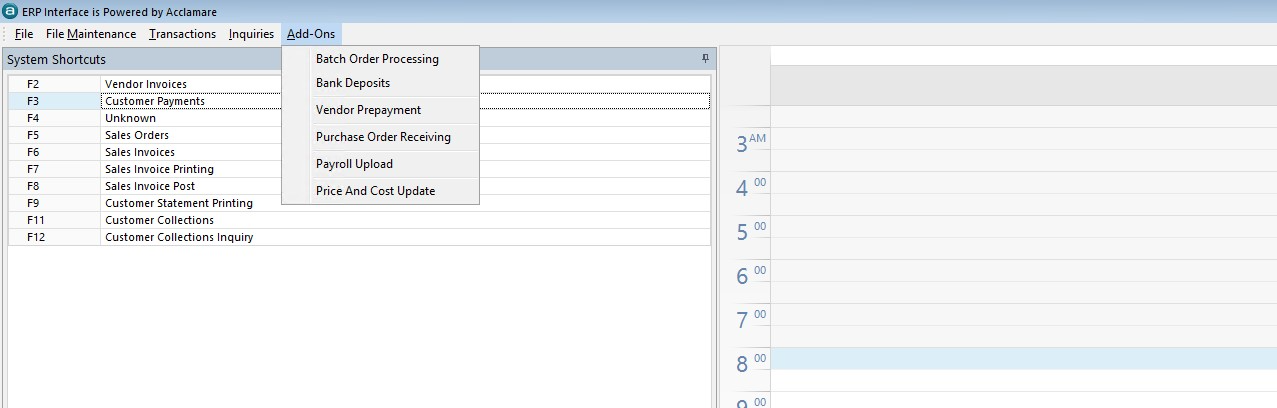
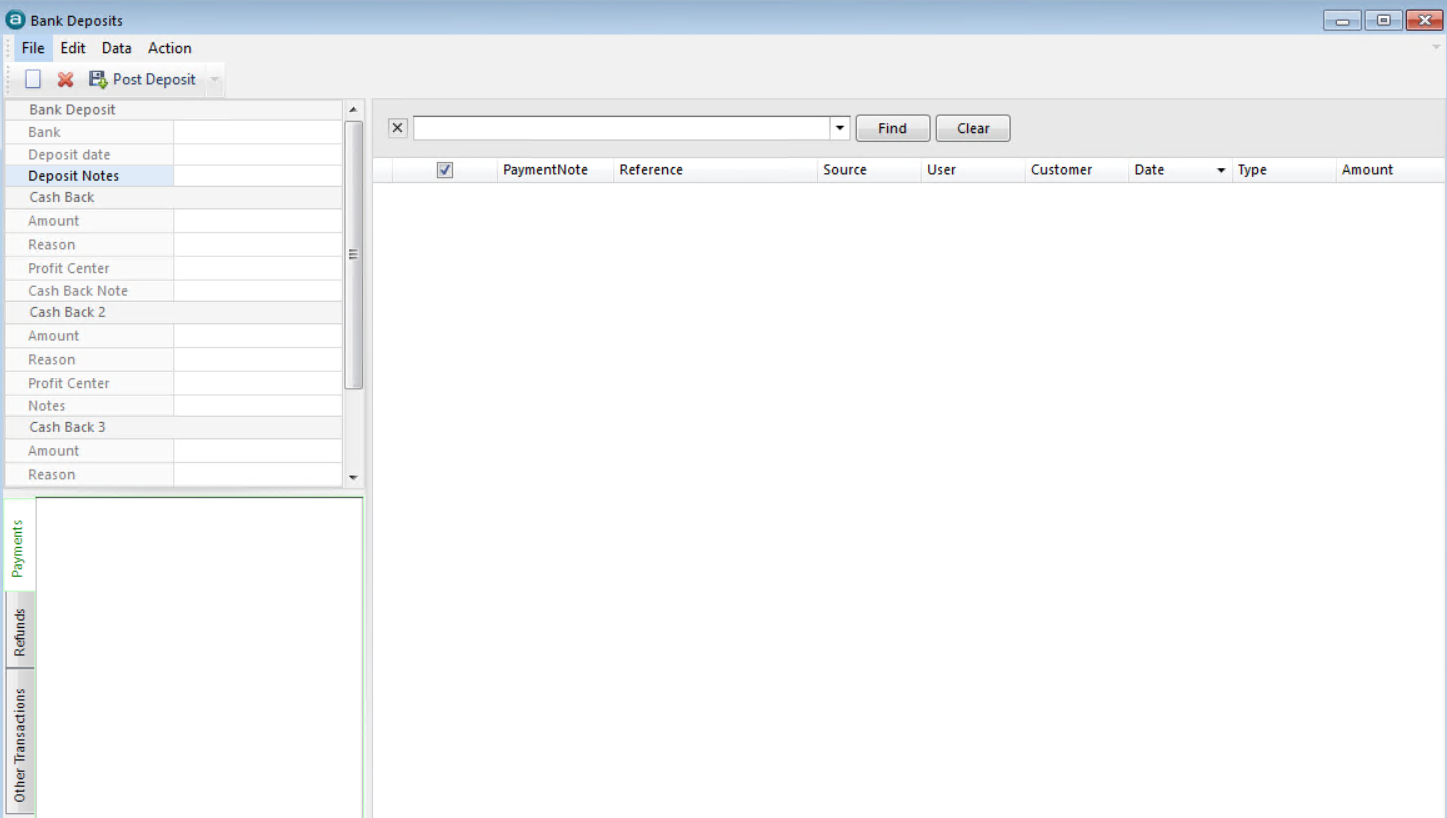
- Select Bank from the drop down menu
NOTE: If you have selected a DEFAULT Bank in the Bank Maintenance area then the Bank value will already be populated with the default.
You can select a different bank from the drop down, if applicable.
- Enter Date of Deposit
- Select receipts to be included in this deposit from the list by check box.
Note: Sort items by Date to be sure all receipts for the deposit period are included.
- When all receipts have been selected, go to ACTIONS in the toolbar above. Select either “Post This Deposit” or “Post this Deposit to Another Period”
- You will get a message that “the post completed successfully” click the OK.
- Either close the Bank Deposit window or start a New Transaction for a new deposit with a different date.
