- File maintenance > Accounts Payable > Vendors
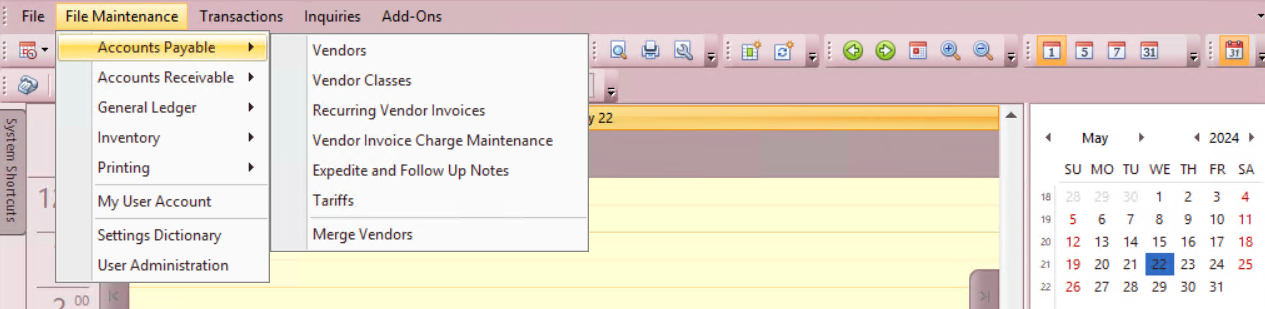
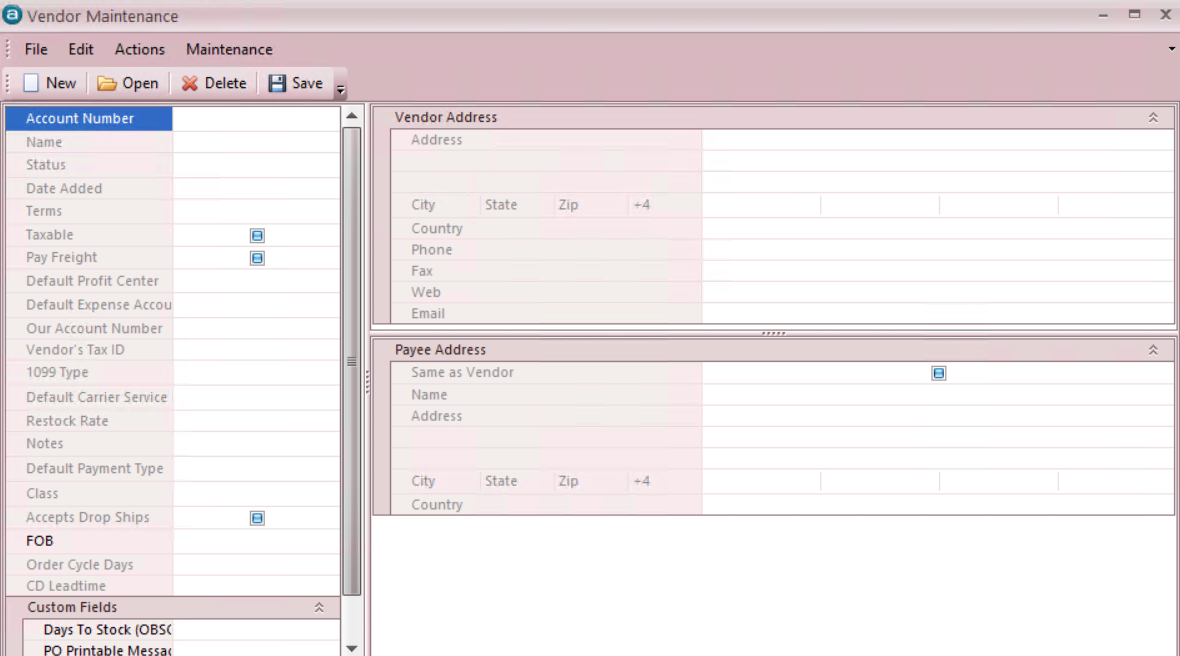
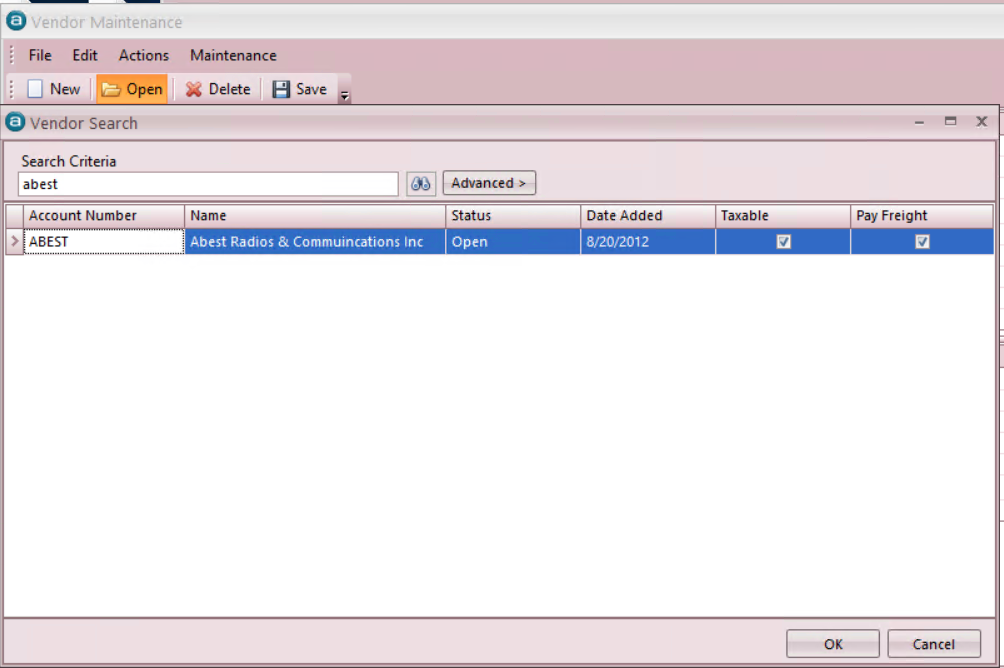
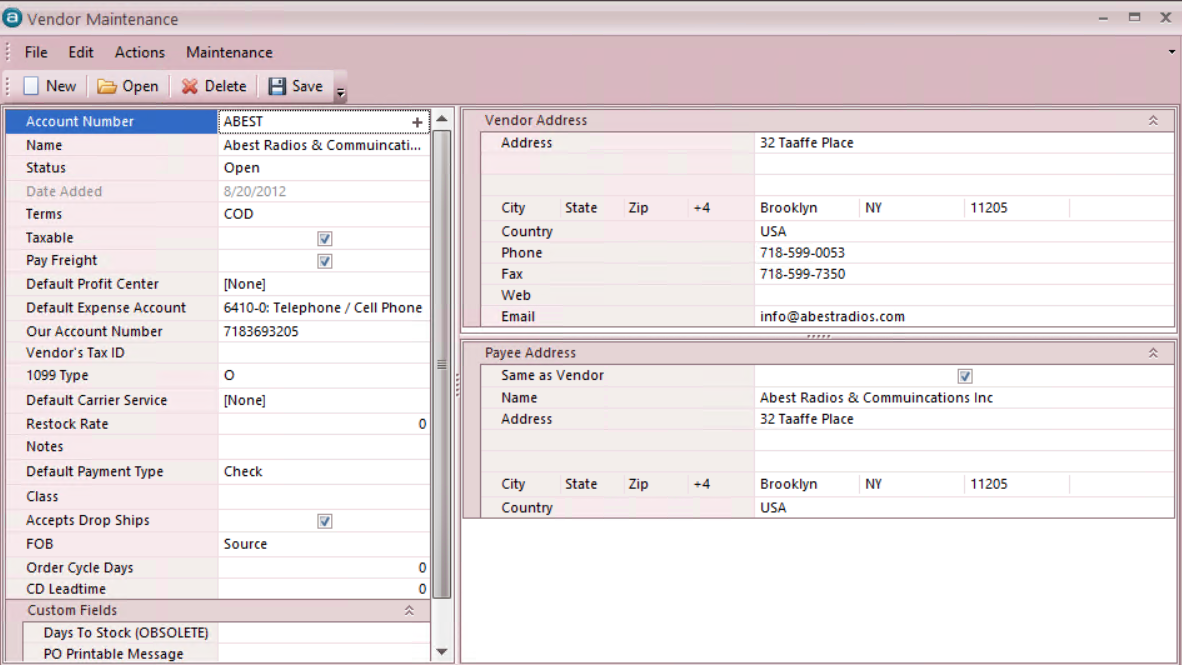
- Open Vendor By Name OR Entire Vendor List
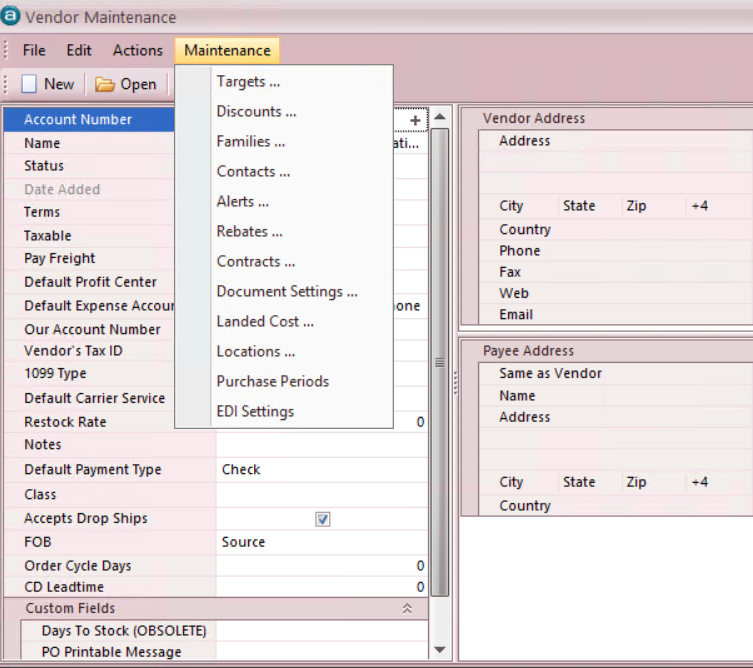
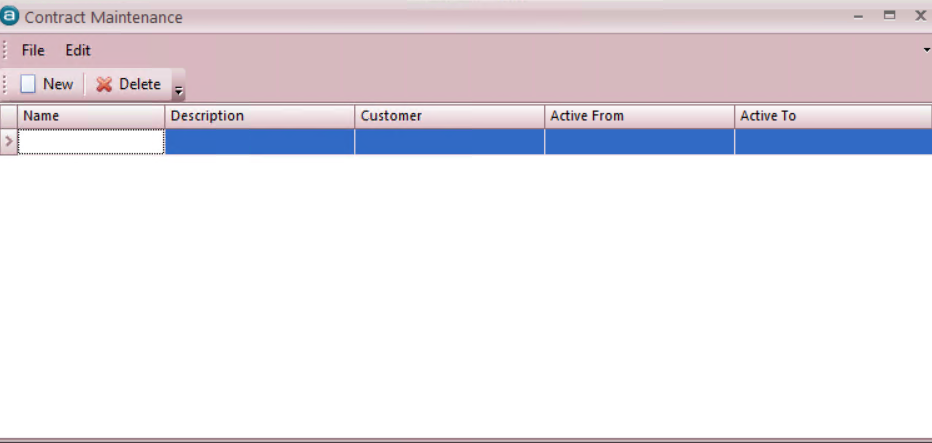
- Create a new Contract
- Set Active from/to dates
- Click on the Plus (+) to create a detail (you might need to move off the line first)
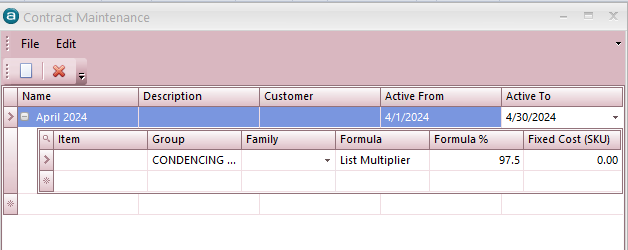
- Select a Group (leave it empty for all)
- Set the formula percent
- Save the Vendor